Setup in 5 Minutes
A step-by-step walkthrough of how to go from "zero" to "verified proof" using AuditStay. No complex training required.
Create Your Account
Start by entering your basic details. We don't ask for credit card information to get started. Registration takes less than 30 seconds.
- check_circle No credit card required
- check_circle Access and set up 1 property immediately
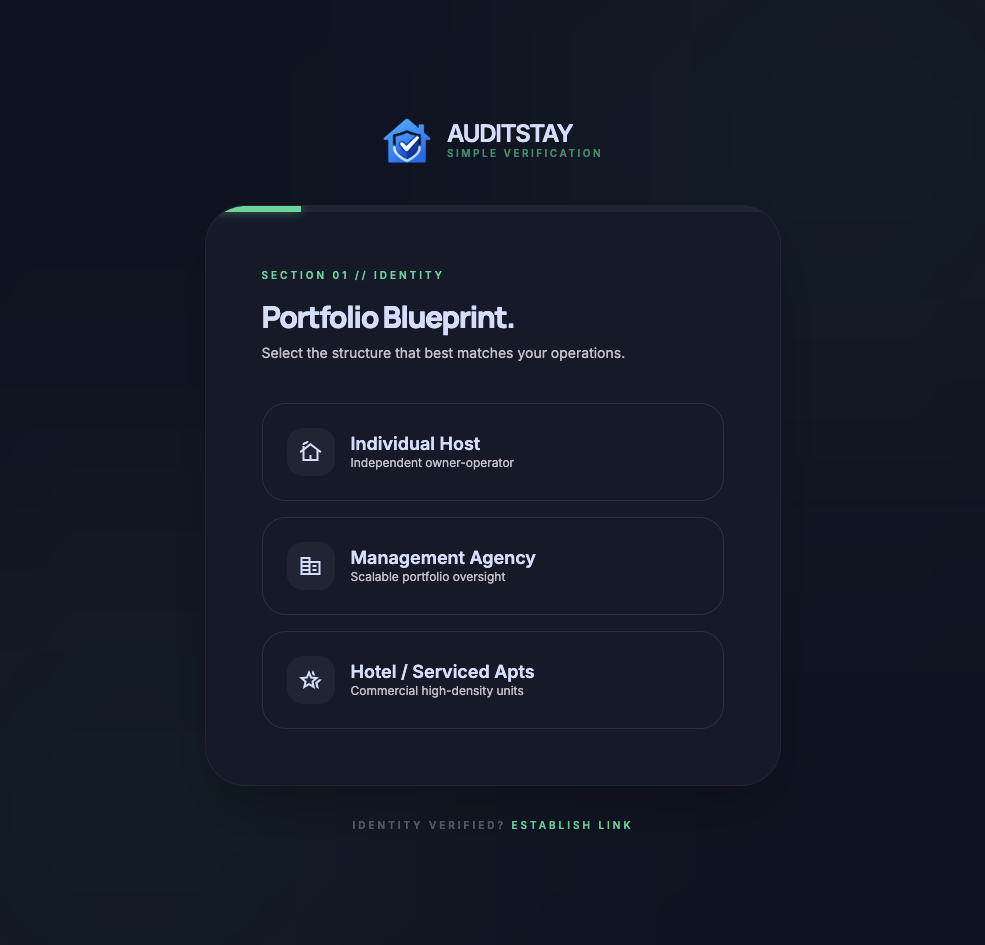
Define Your Property
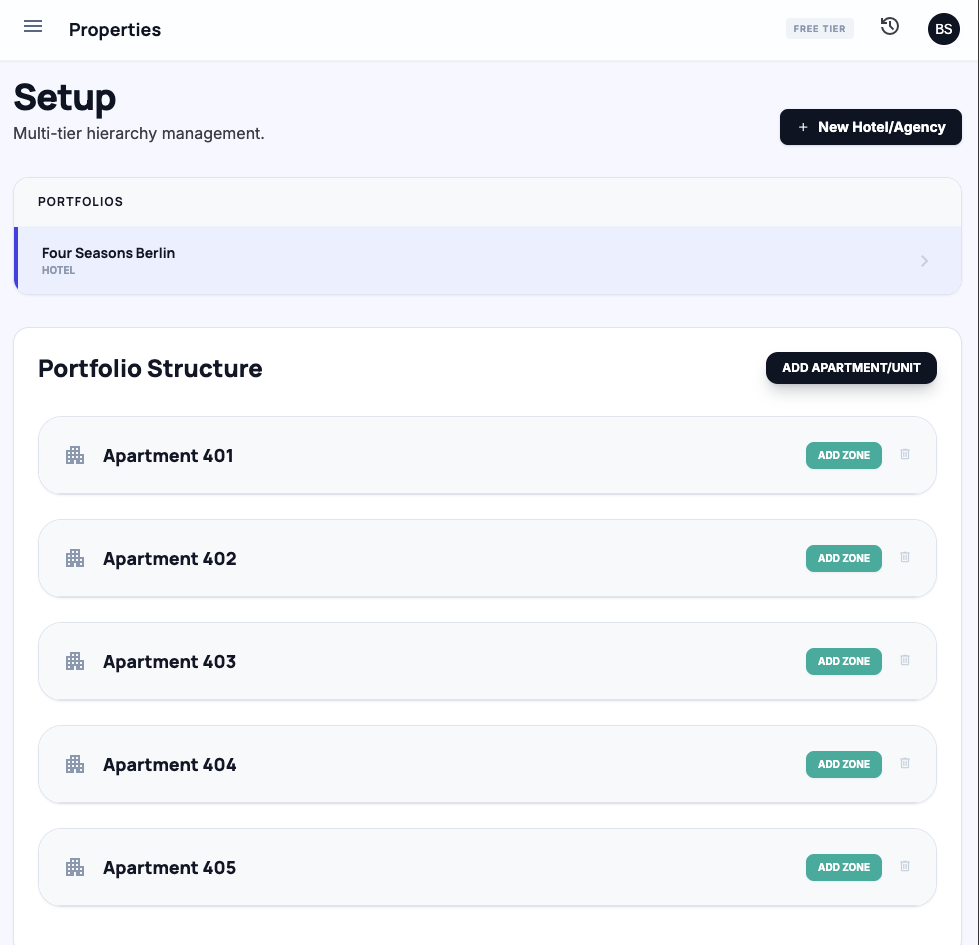
Add the rooms and photo angles that should be checked during each turnover. Each angle becomes a required capture point for the cleaner.
"AuditStay works best when every room has clear, repeatable photo angles."
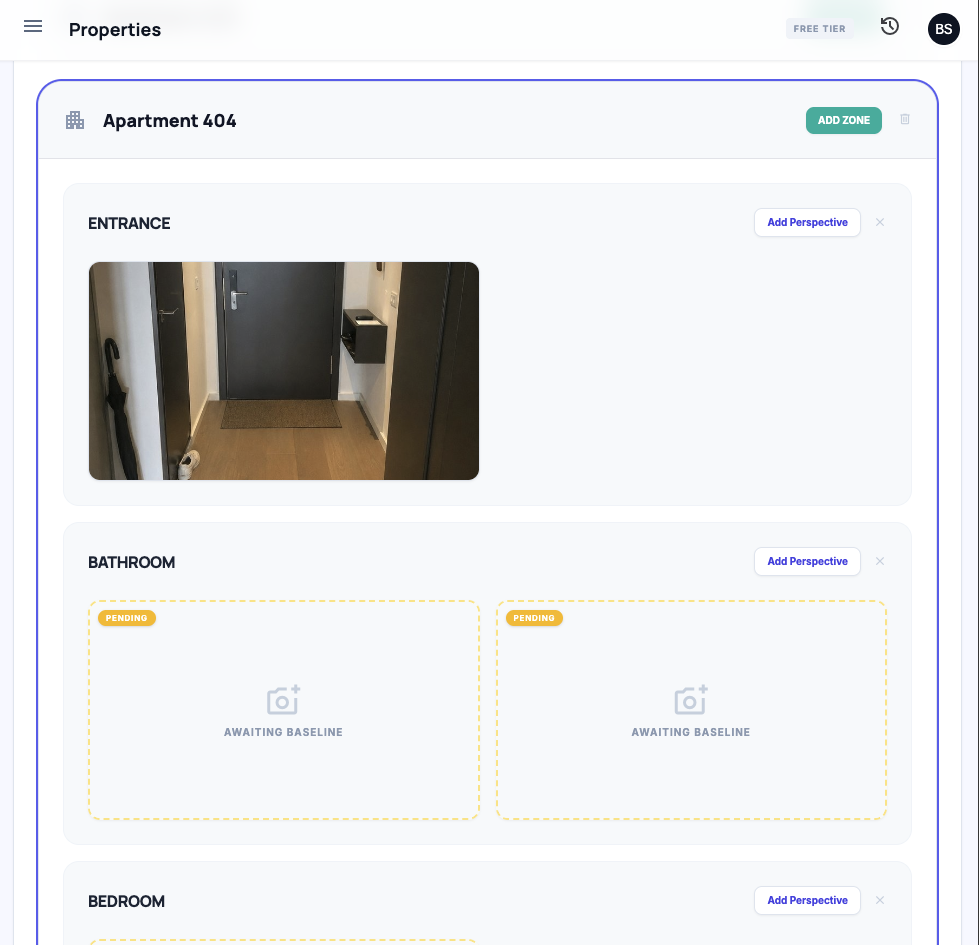
Add Baseline Photos
Upload a reference image for important angles. This gives cleaners a visual target and gives AuditStay context for comparing future verification photos.
Use plain baseline photos from the real property. They are more useful than polished marketing photos because they show the exact operational standard.
Assign Assets & Cleaners
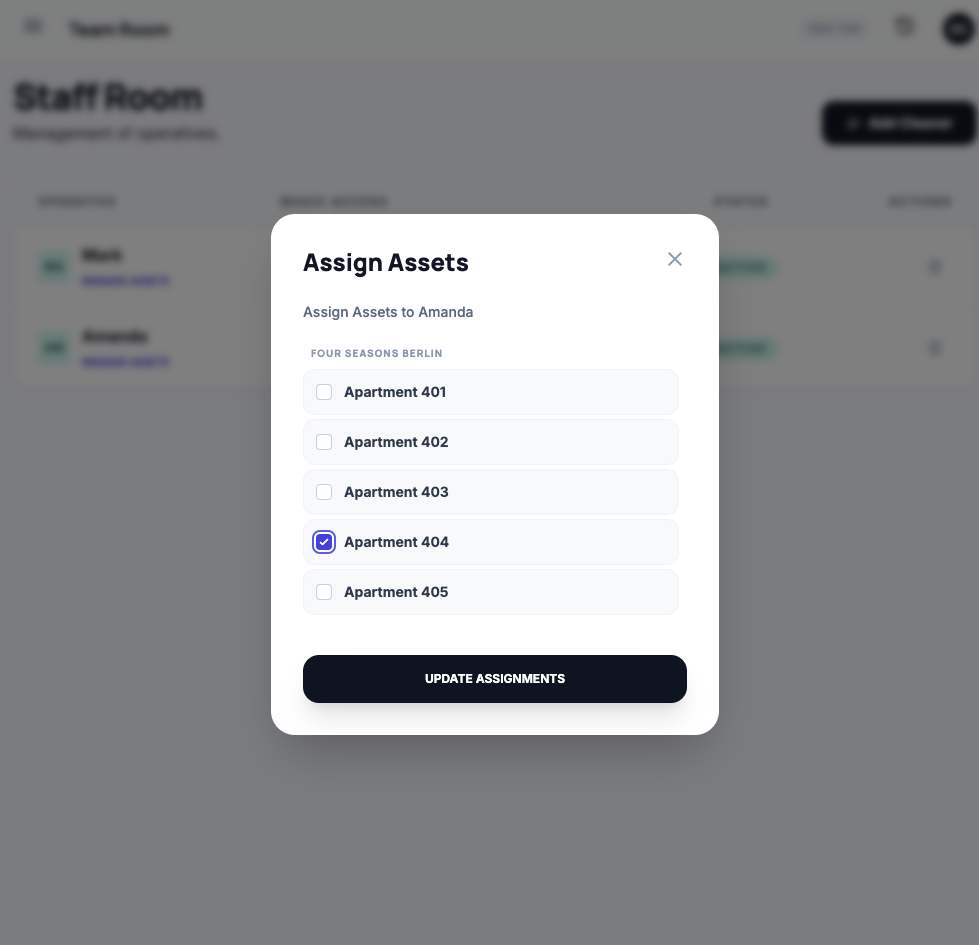
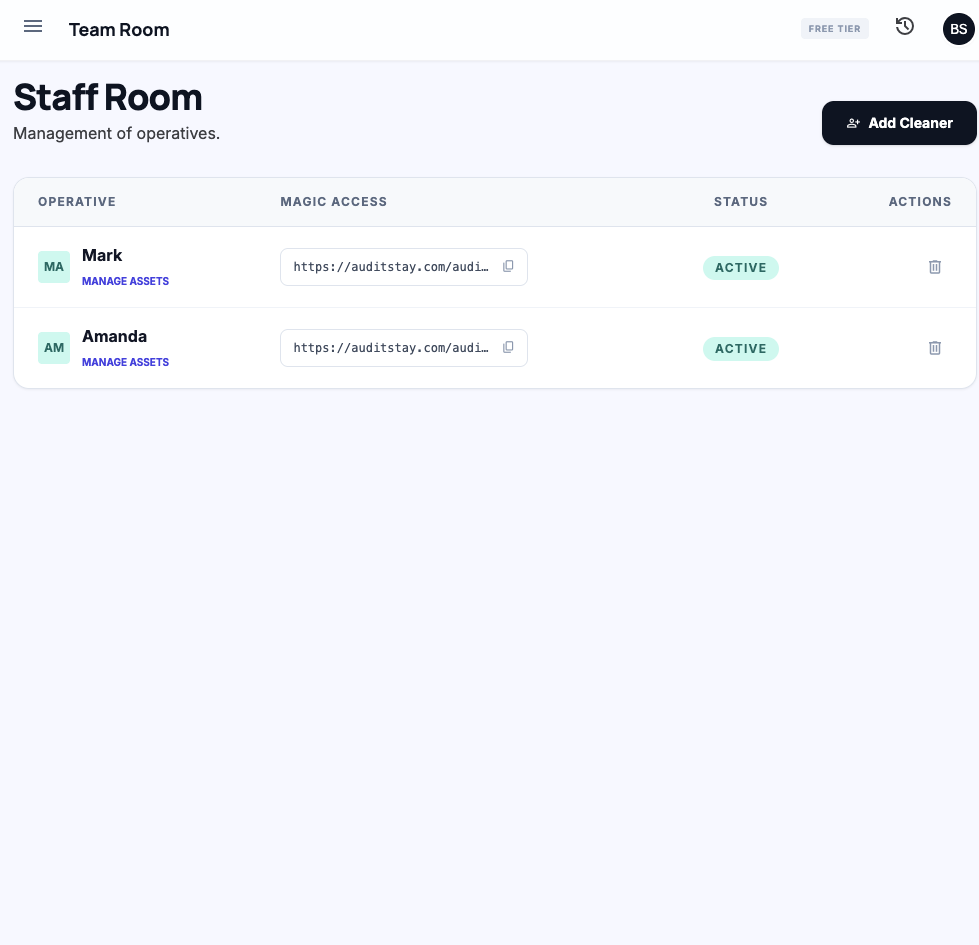
Assign the relevant property or unit to a cleaner and decide what they should verify. This keeps each inspection focused on the exact spaces they are responsible for.
Cleaner access is link-based, so they do not need a full admin account or a separate app install.
Send the Magic Link
Copy the cleaner link and send it through the channel your team already uses. When opened, the cleaner sees their assigned verification flow immediately.
- link No cleaner password required
- photo_camera Every required angle appears as a guided capture task
Ready to eliminate the chaos?
Join the cleaners and managers already using AuditStay to guarantee 5-star turnovers every single time.